
What Is Doomscrolling?
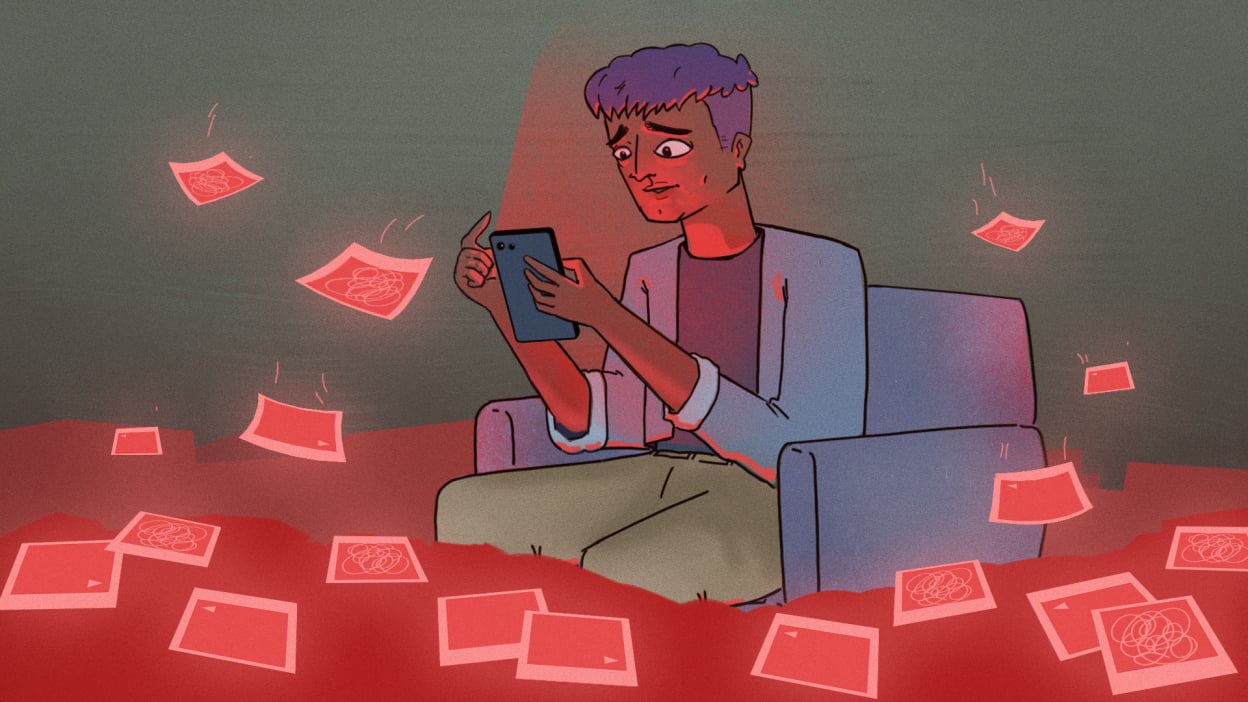
You open your phone to check one thing. Next thing you know, it’s been an hour. You’ve jumped from TikTok to the news to your ex’s dog’s cousin’s holiday photos. Your brain feels tired, you’re annoyed at yourself, and you wonder where the time went.
That’s doomscrolling. And it’s not just a waste of time. It drains your focus, disrupts your sleep, and messes with your mood.
The good news? You don’t need to quit your phone or delete every app. You just need to make a few small changes that help you feel more in control.
1. Replace the Scroll With Something Better
Stopping a habit is hard when you don’t have anything to replace it with. That’s why I stopped trying to “quit” scrolling and instead gave myself something better to read.
Instead of reaching for Instagram or Twitter in the morning, I started reading short, from quick eBooks to newsletters. It still gave me that “check-in” feeling, but with something that actually left me feeling good.

2. Use Blue Light Glasses at Night
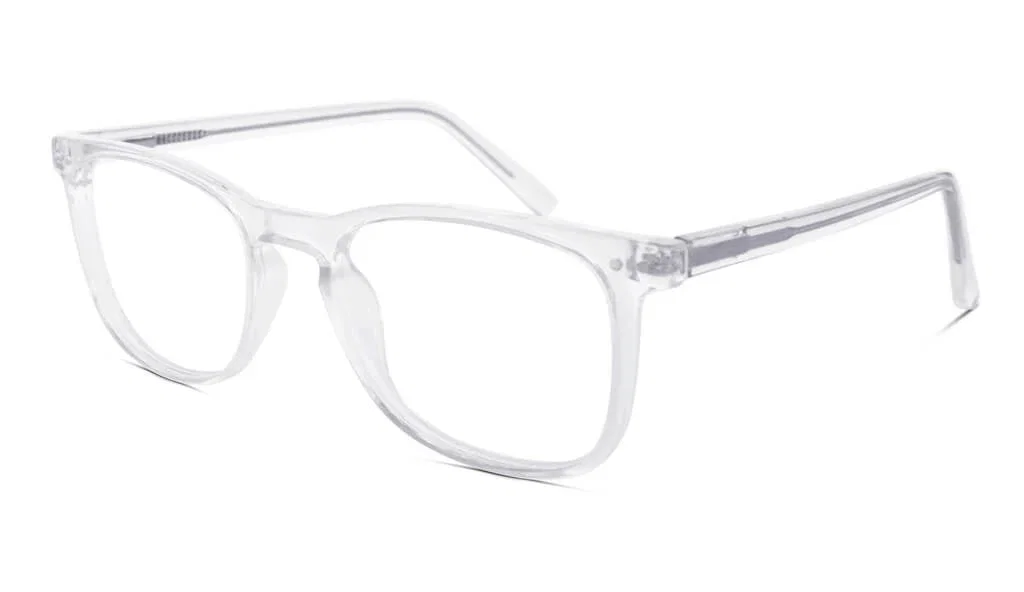
Doomscrolling hits hardest at night. You’re tired, but your brain won’t shut off. That’s because phone screens give off blue light, which tricks your brain into thinking it’s still daytime.
Once I started using blue light blocking glasses in the evening, my sleep got better and I naturally stopped reaching for my phone as much.
What I suggest: I would recommend these blue light glasses for a couple of hours before bed. They’re affordable and do the job well, and honestly one of the easiest you can make to improve your sleep.
If you’re someone who scrolls while lying in bed, this one’s for you.
3. Block the Worst Apps for a While
You don’t have to delete TikTok or Instagram forever. Just take a break for a few hours a day. That space gives your brain room to breathe.
There are some great tools that help with this. Some block the apps completely. Others gamify it, which makes it feel less like a punishment and more like a challenge.
Try one of these:
Even blocking just 30 minutes in the evening can make a big difference.
-
Freedom
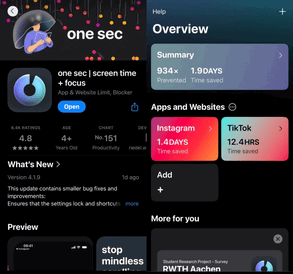
OneSec App
Me personally, ive used the OneSec app for a few weeks now, as it was recommended to me by a close friend. since then ive found it hard to doomscroll without facing added inconvenience to do so. As the OneSec app essentially gives you an AD reminder to stop mindlessly going on said apps. Would 100% recommend for you to set it up on apps you struggle to delete.
Final Thoughts
Doomscrolling is designed to keep you stuck. That’s not your fault. But with a few simple changes, you can take back your time and your peace of mind.
Here’s a quick recap:
-
Replace scrolling with something better like E-Books or Newsletters
-
Protect your brain at night with Blue Light Blocking Glasses
-
Use tools like One Sec to stop DOOM-SCROLLING.
You don’t need a detox. You just need a plan that works with your life.
Bonus: Want Weekly Focus Tips That Actually Help?
I send out one short email a week with simple tips to stay focused, feel better, and stop wasting time on your phone.
It’s free. It’s not spam. And it might just be the one email you actually look forward to.